Website seals for My Legal Hub members
Show clients where to find you. Each seal carries your firm's name, links straight to your profile and updates by itself.
Members get a set of seals in their dashboard. Each one only says something we can stand behind - that you have a live listing, your client rating, or that your firm was checked against the SRA register. If a membership ends, the seal stops making that claim, so clients can trust what they see.
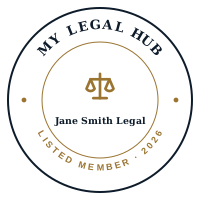

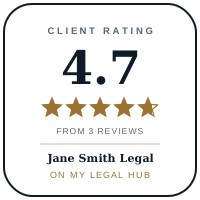
Examples shown for our demo firm, Jane Smith Legal. Yours will carry your own firm's name.
Which seals can I use?
Listed Member and the Signature Strip - any paid plan. Client Rated - once you have 3 or more published reviews. Register Checked - SRA-authorised firms whose number matches the SRA register. Founding Member - our first 25 members. MLH Partner - the Partner plan.
How to add yours
1. Log in to your dashboard and open Growth.
2. In Seals for your website, pick a seal and choose where it is going - any website, WordPress, Wix, Squarespace, an email signature or LinkedIn.
3. Copy the code and paste it in. The seal links to your own profile, and your dashboard counts the visits it sends you.
Prefer us to do it? Email info@my-legal-hub.com with your website address.
Using the older badge?
It keeps working. We recommend swapping it for your own seal, which links to your profile rather than the main directory and shows your firm's name.
Not listed yet?
List your practice - it is free to start, and seals come with every paid plan.